


In recent days, businesses across various industries are grappling with the complexities of sales tax compliance. With the dynamic changes in state and local regulations, it has become imperative for companies to ensure they are up-to-date with the latest tax rules.
The need for meticulous compliance has been underscored by recent news around hefty penalties and audits. Many businesses have found themselves in sticky situations where a minor oversight leads to significant financial hits.
Organizations are increasingly turning to automated solutions to navigate these turbulent waters. The integration of advanced software is now considered a strategic move. These tools not only streamline the tax calculation process but also provide real-time updates on changing laws. It's about reducing human error and maintaining accuracy in tax filing.
Reflecting on past experiences, some firms recall the days when sales tax compliance was primarily manual, leading to frequent headaches and compliance bottlenecks. The shift towards digitization marks a significant evolution in the industry.
Take an example from the retail giant Target, which recently revamped its compliance strategies by incorporating comprehensive tax automation systems. This move has not only reduced operational costs but also improved their overall efficiency and response time to regulatory changes.
As the US market continues to evolve, businesses are recognizing the importance of proactive compliance strategies. Embracing technology is no longer optional but a necessity in maintaining competitive advantage and avoiding legal pitfalls.
For businesses striving to ensure compliance, collaboration with experts in tax law and leveraging automation are crucial steps in the right direction. This path not only ensures compliance but also paves the way for sustainable business growth.
Estimated reading time: 1 minute, 27 seconds
Embracing Sales Tax Compliance: Businesses Navigate Complex Regulations Featured
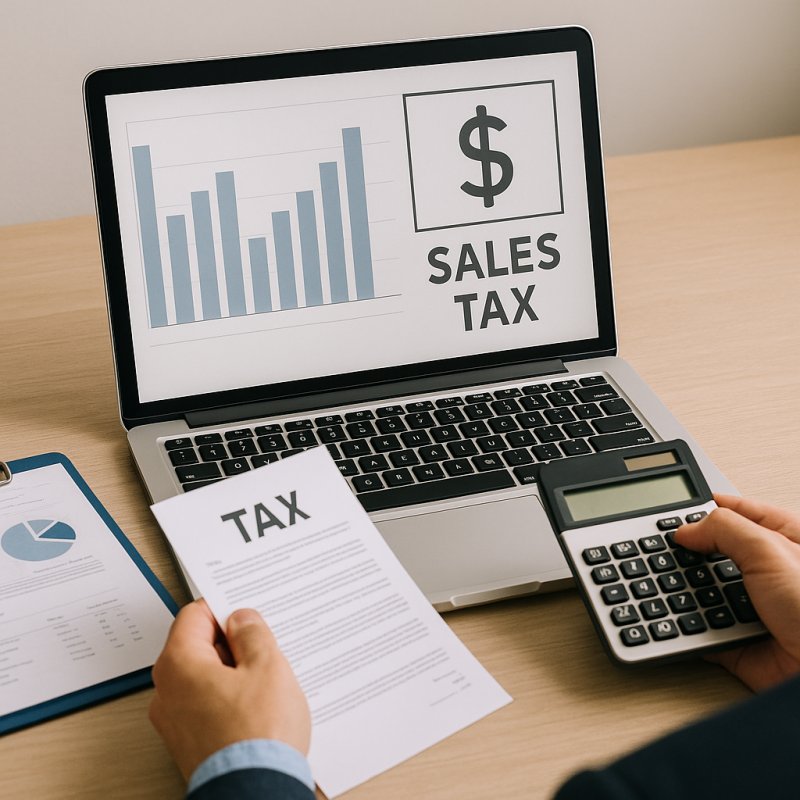 Explore how businesses are navigating the complexities of sales tax compliance through technology and strategic planning, minimizing legal risks and optimizing operations.
Latest from The Progressive Accountant
- Navigating the Changing Landscape of Tax Regulations in the US
- Trend in Financial Regulations: A Closer Look at Auditing Updates
- Navigating the Recent Wave of Tax Regulations: What Firms Need to Know
- Navigating Tax Compliance: What Recent Changes Mean for Your Firm
- Navigating Firm Management: Understanding the Shift to Remote Operations
Sales Tax Assessment Tool

The Accounting Top 100
Sales Tax Calculator

Social Leader board
The Accounting Top 100 social media leaderboard ranks accounting professionals based on their overall presence, influence, and engagement on social media platforms. Each user’s rank is determined by that user’s Klout Score in addition to a list of custom metrics, and all updated rankings are displayed in new leaderboards generated every two weeks.
Did you make the list?
Congratulations! You can now track your progress on the leaderboard by clicking “Follow us” at the top of the list. Want to get the word out about your new celebrity status? Share this page with all of your friends and followers so they can view and join in on this fun social activity.
Think you’ve got what it takes to make the Top 100?
Disclaimer
Avalara’s Accounting Top 100 leaderboard (the “Leaderboard”) is assembled using a list of accounting professional users that’s curated by manual entry as well as by Rise.Global's internal Twitter search functionality. We reserve the right to change scoring metrics used for ranking and to exclude anyone from the list, in our sole discretion. The Leaderboard is not an endorsement, recommendation or sponsorship of any of the accounting professionals on the Leaderboard, and we do not make any representation or guarantee of their ability or reliability. Assessments by different methods or based on different information may yield different results. The Leaderboard is only a starting point to gather information about accounting professionals, and you should not rely on it to decide whether to hire an accounting professional.
For feedback and/or questions please contact [email protected] .
.
Most Read
-
-
Apr 26 2026
-
Written by The Progressive Accountant
 Explore recent state income tax reforms in the US and…
-
-
-
Apr 26 2026
-
Written by The Progressive Accountant
Explore how cloud technology is reshaping the accounting industry by…
-
-
-
May 03 2026
-
Written by The Progressive Accountant
Explore the latest changes in sales tax compliance and economic…
-
-
-
Apr 26 2026
-
Written by The Progressive Accountant
Discover how automation is revolutionizing accounting firms by enhancing efficiency…
-